Favorites and quick access
A home screen for your usage mode
A different home screen for each usage mode.
- Healthcare professional
- Student
- For me and my family
Real capture from the appHome in Professional mode with search and quick access
What it does
You choose a mode, Professional, Student or For me and my family, and the home screen puts forward the features that fit it best. You can switch modes at any time from your profile.
Who it is for and when to use it
For anyone: the mode only changes the order of the home screen, and every feature stays within reach.
What you see in the app
A home screen with your favourites, what you opened last and shortcuts for your mode.
The information in the app guides you and does not replace professional judgement.
More screens
Home in Student mode with question banks and daily review
Home in For me and my family mode with first aid and reminders
More in Favorites and quick access
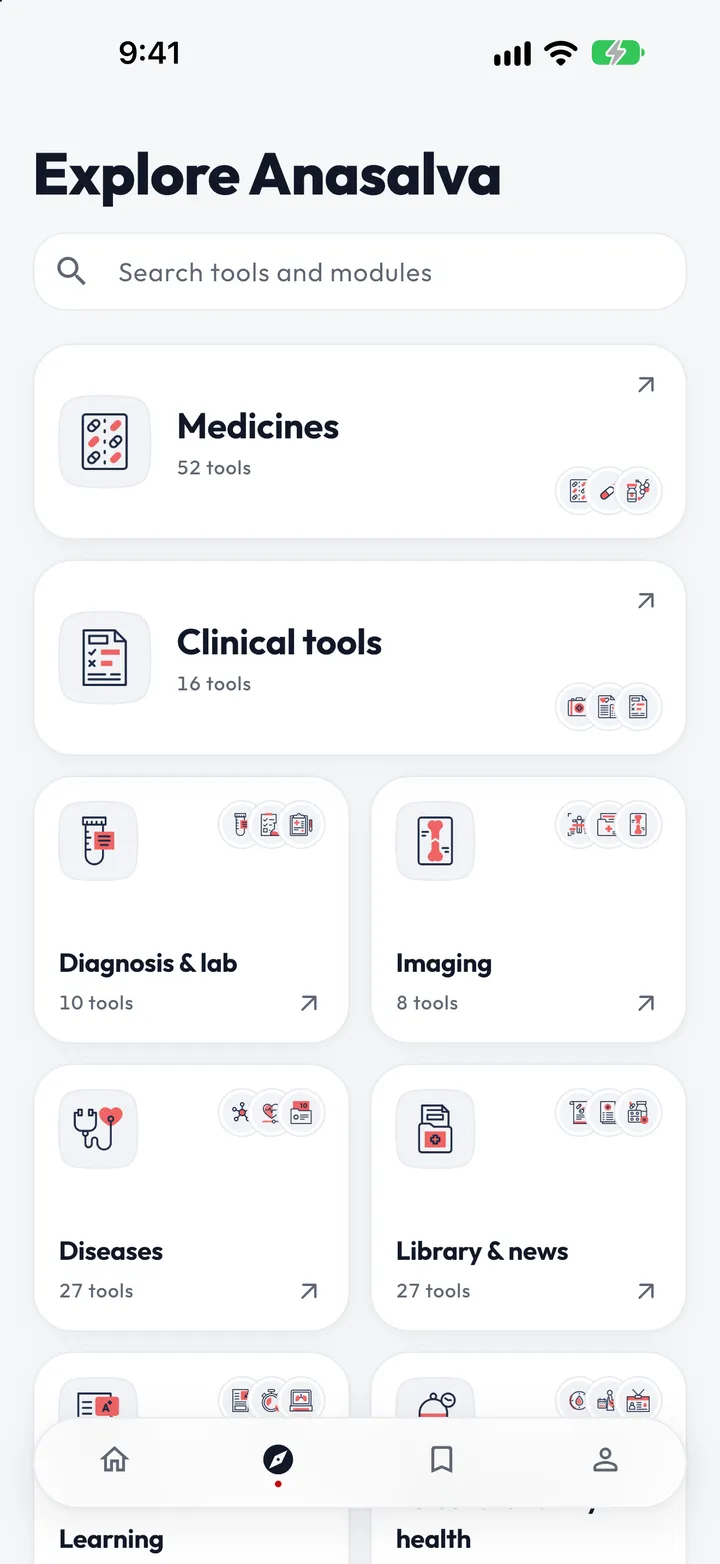
Explore by area
Every feature in the app, sorted into broad areas.
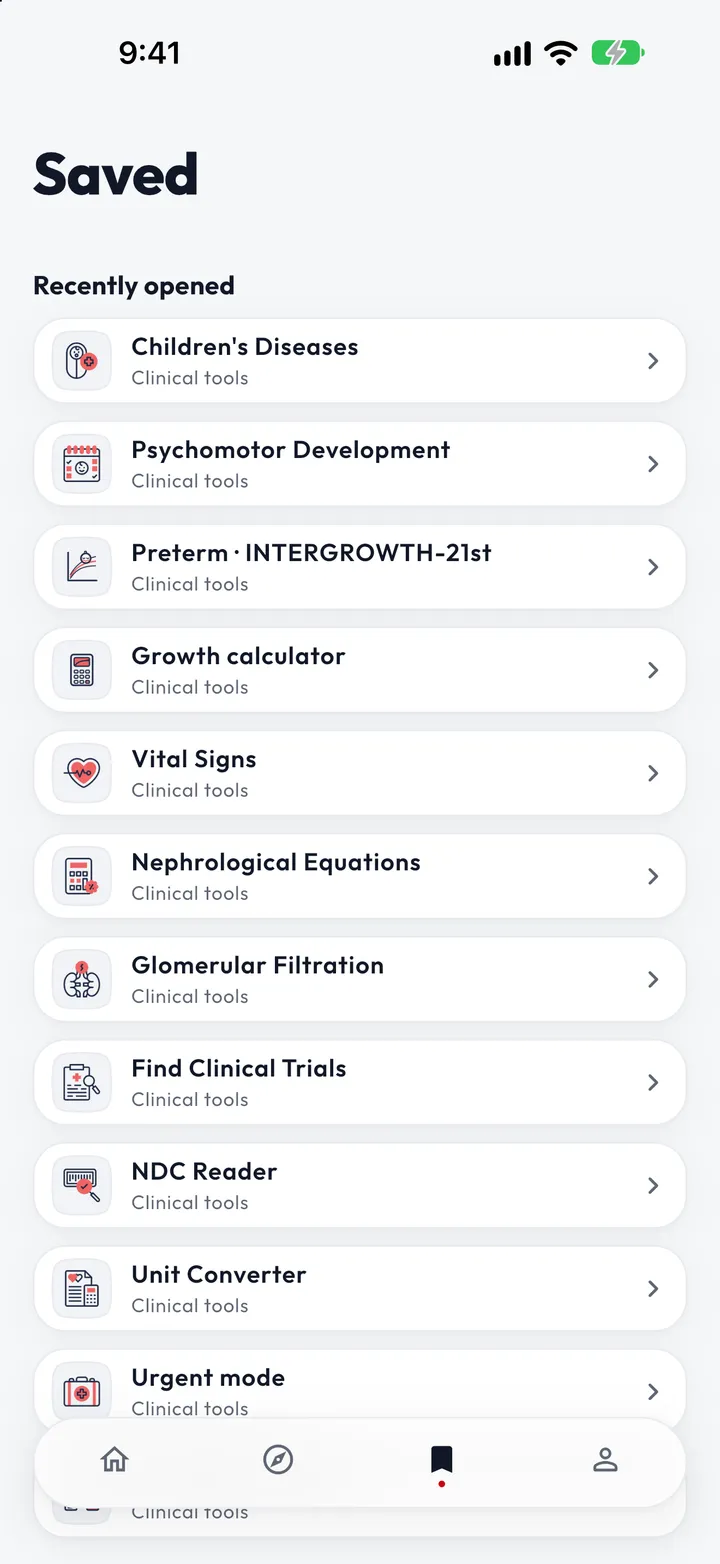
Favorite any feature
Pin the features you use most to your home screen.
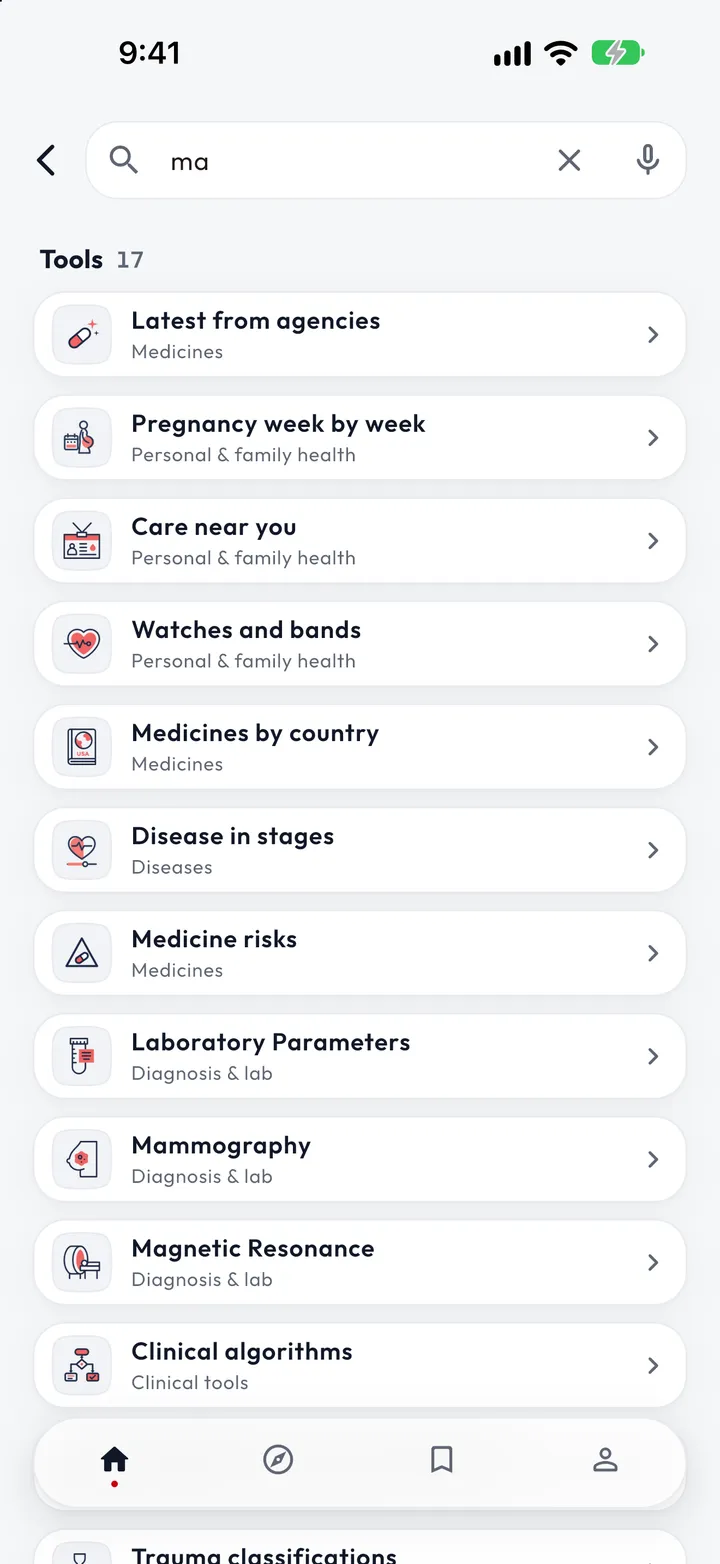
Global search across the whole app
One search box to find any feature in the app.
Voice search
Search the app by speaking instead of typing.